Overview
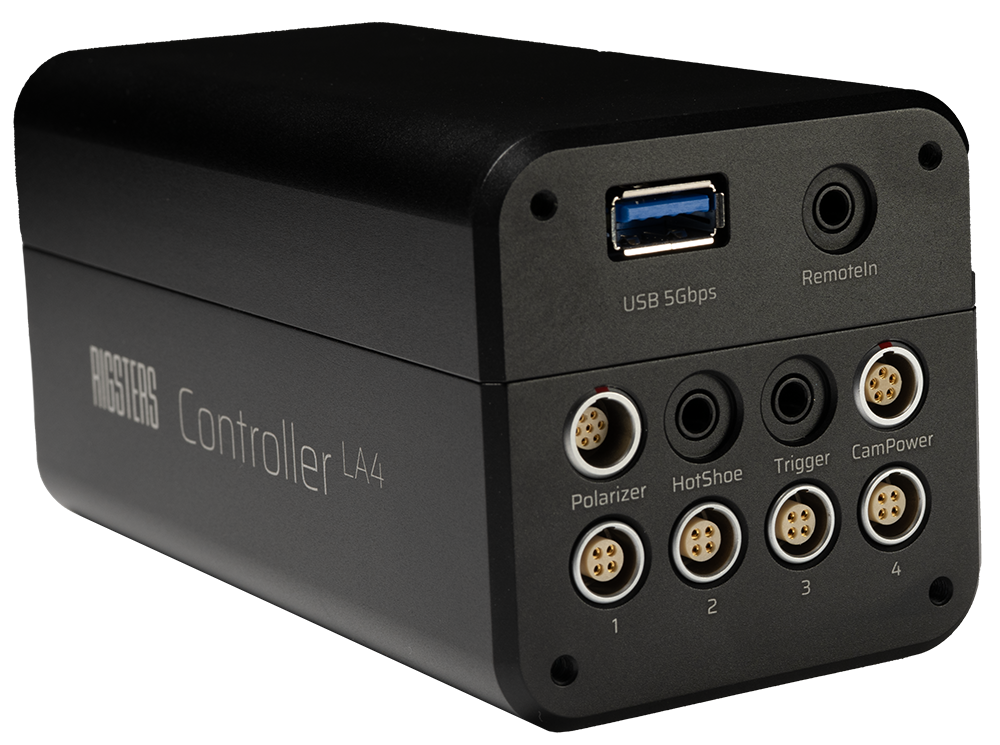
This documentation covers programmatic integration with LightArray4. Throughout these docs, LA4 refers to LightArray4 — an abbreviation also engraved on the device itself.
Getting started
There are two possible physical arrangements for setting up your LA4 with the main controller PC:
- Point-to-point LAN. The device and your PC are connected directly via ethernet cable without relying on a central server or router. In this case the LA4 will automatically fallback to static IP
192.168.0.23. - Star Topology. The device is connected to the same router/network as the PC. To join the network, the router will dynamically assign an IP to LA4.
What you need to know
The network configuration and physical arrangements dictate how to detect the device and communicate with pycom. Read about the logical configuration of each supported networking formaat from above before proceeding with your programmatic implementation. pycom is a lightweight service pre-installed on LA4 that serves as the interface between your application and the device hardware over the local network (LAN).
About pycom
pycom is a proprietary communication software running inside LA4 made by Rigsters. It acts as the backbone between your application and the hardware — listening for incoming requests, routing commands to the appropriate subsystems, and returning responses.
It runs as a background service on the device and is always active as long as LA4 is powered on. You do not need to install or configure pycom yourself; it comes pre-installed on the device.
From your application's perspective, pycom exposes a simple HTTP interface on port 5000. You send requests to that port, and pycom handles the rest.